
Ovulation Calculator
When did your last period start?
E.g. 18/01/2020
Usually, how long is your cycle?
Cycles typically vary from 23 to 35 days
likelihood of ovulating today
Due to your cycle length, unfortunately we can't estimate an ovulation probability. We recommend that you use a Digital Ovulation Test to accurately detect your most fertile days.
*
Start of your last period
20%
Likelihood of ovulating on this date
In partnership with Clearblue®.
Results are based on the information you have provided and data from the publication below: Sarah Johnson, Lorrae Marriott & Michael Zinaman (2018): “Can apps and calendar methods predict ovulation with accuracy?”, Current Medical Research and Opinion, DOI:10.1080/03007995.2018.1475348
Results are based on the information you have provided and data from the publication below: Sarah Johnson, Lorrae Marriott & Michael Zinaman (2018): “Can apps and calendar methods predict ovulation with accuracy?”, Current Medical Research and Opinion, DOI:10.1080/03007995.2018.1475348
Due Date Calculator
When did your last period start?
Generally, how long are your cycles?
Your baby is likely to be born on or around*
*Only your physician can accurately determine your due date or the date of your conception based on his/her knowledge of your complete medical condition.
In partnership with Clearblue®.
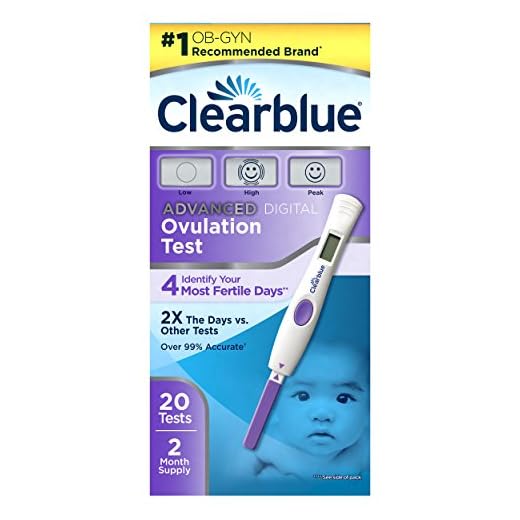
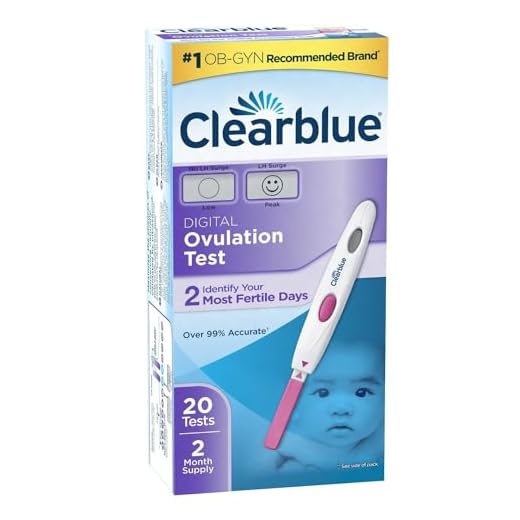
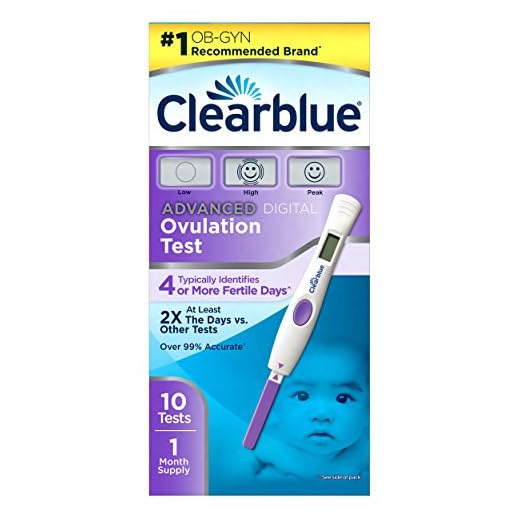
Shop for Clearview Ovulation Calendars
Note: YourDays might make a small commission for any products purchased. This helps support our free content to you.


Last updated on April 16, 2024 5:27 pm